• Hi Stampers,

    Are you ready for this week's ColorLab color Experiment?

    ColorChallenge35
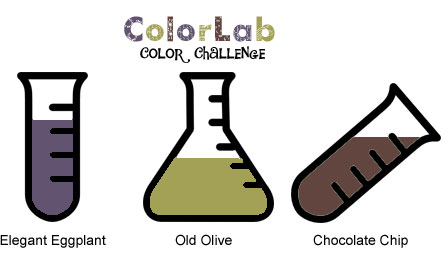
    The colors for this challenge are:

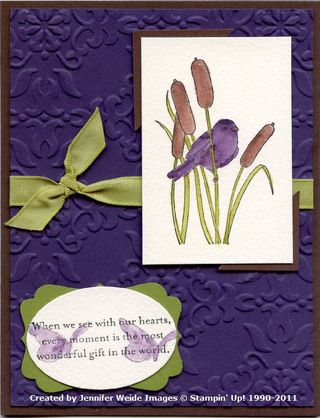
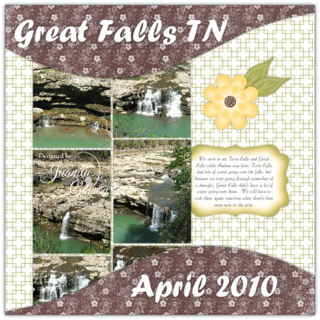
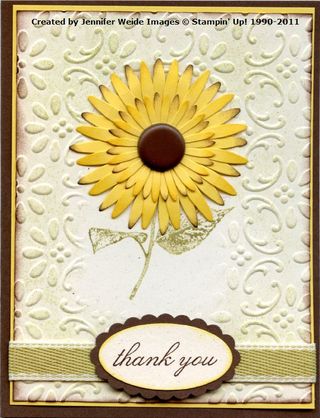
    Elegant Eggplant, Old Olive, and Chocolate Chip

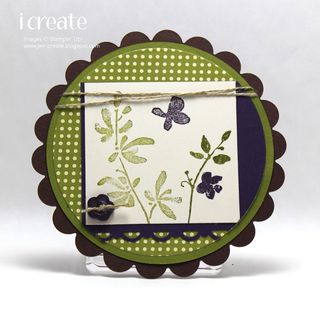
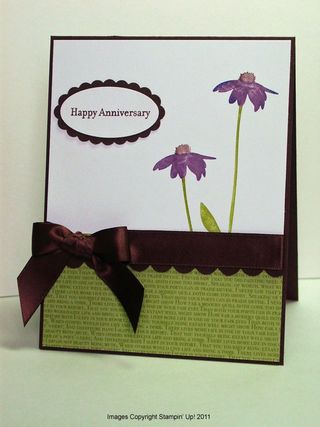
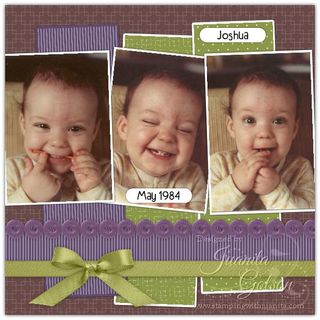
    Our Design Team Chemist have already conducted a few experiments to help inspire you. Check out their results and then get started on your own creations!

    Post your creation online and link directly to the project using Inlinkz.

    • Share your opinion of this color combo – visit the ColorLab, enter in the colors and you can search for the combo. Once you find the combo you can rate it!
    • We LOVE to use our Stampin’ Up! Products, but we welcome you to use any brand of product you wan to create your projects. If you're having trouble figuring out what colors will work for this challenge check out the ColorMatcher Lab – it will cross match colors between some of the most popular color lines out there!
    • Have fun being inspired and creating  
    Jen

      IMG_0479

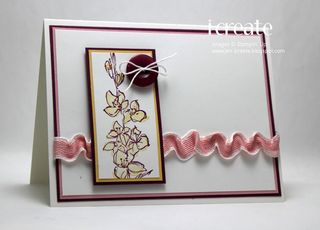
    Jen T.

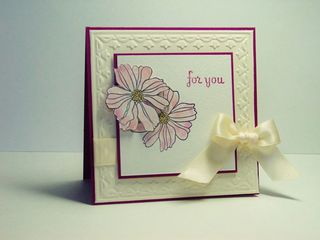
    CL35-AnniversaryforB-B

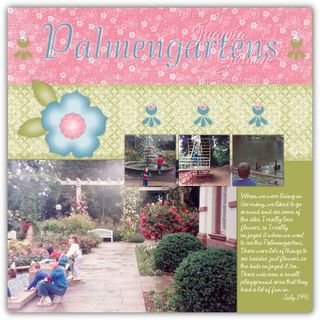
    Juanita

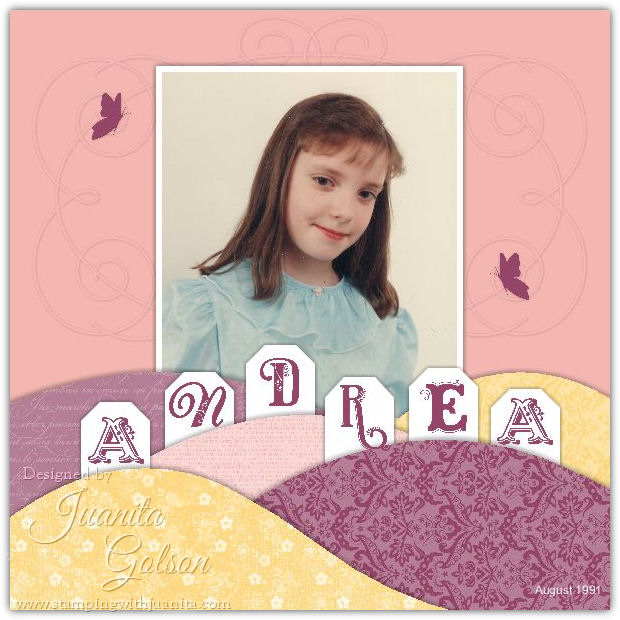
    2011Pages-026

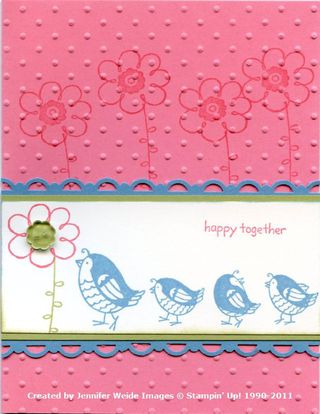
    Jennifer

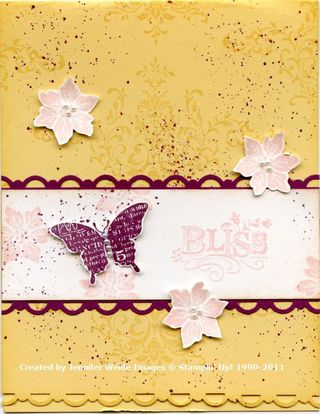
      ColorLab35


    http://www.inlinkz.com/cs.php?id=43805

  • Hi Stampers,

    I was so honored to be asked to be a guest designer for Craft Project Central for April!

    Craft Project Central is a site for tutorials put together by fellow demonstrator Jacquie Craig.

    You'll have to wait until later in the month for my project to be debut, but while you're waiting I've got a GREAT little bit of Blog Candy for You!!

    I'm giving away a FREE Month of Your Choice to Craft Project Central!

    You can get your name into the drawing several ways
    (The more ways you're entered the better your chances)

    I'll be drawing a winner on Monday the 4th so be sure to come back there to see if you've won!!!

    Ways to enter the give away:

    • Post a comment on this message – Tell me what your favority type / color of flower is!
    • Click Here and "Like" me on Facebook
    • Post a message on my Facebook page – Tell me which of my tutorials is your favorite so far…


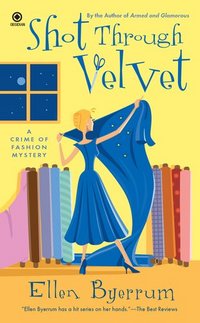
  • ShotThroughVelvet Shot Through Velvet 
    by: Ellen Byerrum
    (Author's Website)

    The body was blue. Not merely wearing blue, he was blue—and not the blue pallor of death. He was sapphire from head to toe, a deep shade of mood indigo.

    (A Crime of Fashion Mystery #7)

    Obsidian, February 2011
    336 pages

    From the Publisher:

    Fashion reporter Lacey Smithsonian is touring a failing velvet factory in Virginia on its final day of operations—and finds one of the factory owners dead, lashed to a spool of velvet and soaked in blue dye. The workers are delighted, since they blamed the “Blue Devil” for killing their jobs. But when another nickname, the “Velvet Avenger”, makes the rounds, and ribbons of blue velvet start popping up, it could be more than Lacey’s job at stake-it could be her life…

    Quick Thoughts on This Book From Julie:

    This is the seventh book in this series but it's the first one I've read. I got into this book very quickly and found it easy to read. The characters are fun and likable – though I did feel I was missing a lot of history by jumping into the series on the seventh book – I'm anxious to back up and start from book one! The mystery of who "strung up the blue devil" and dyed him blue was fun to follow along with – there are enough suspects to keep  you guessing though most of the book. Overall a very good Cozy Mystery!

  • Hi Stampers,

    Are you ready for this week's ColorLab color Experiment?

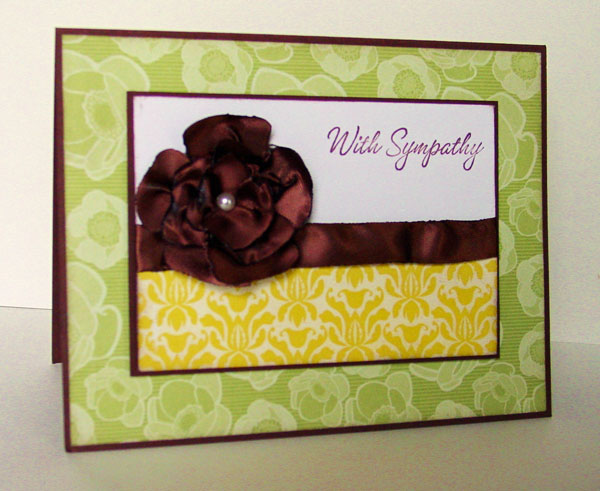
    ColorChallenge34

    The colors for this challenge are:

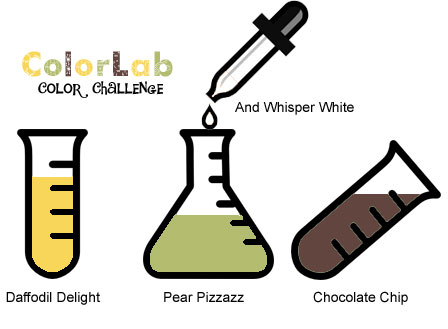
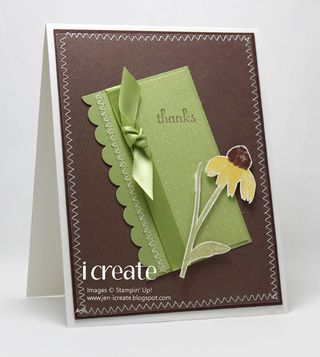
    Daffodil Delight, Pear Pizzazz, Chocolate Chip, and Whisper White

    Our Design Team Chemist have already conducted a few experiments to help inspire you. Check out their results and then get started on your own creations!

    Post your creation online and link directly to the project using Inlinkz.

    • Share your opinion of this color combo – visit the ColorLab, enter in the colors and you can search for the combo. Once you find the combo you can rate it!
    • We LOVE to use our Stampin’ Up! Products, but we welcome you to use any brand of product you wan to create your projects. If you're having trouble figuring out what colors will work for this challenge check out the ColorMatcher Lab – it will cross match colors between some of the most popular color lines out there!
    • Have fun being inspired and creating  
    Jen

    IMG_0457

      
    Jen T.

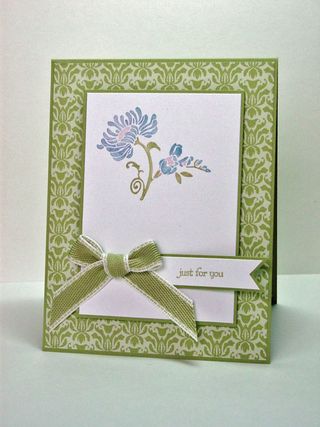
        CL34-SympathyFlower

    Juanita

       ColorLab34

    Jennifer

       ColorLab34


    http://www.inlinkz.com/cs.php?id=42379

  • Have you ever though about becoming a Stampin' Up! Demonstrtor?

    When I signed up to be a demo I was looking forward to the 20% discount on my favorite crafting supplies – but I never could have dreamed of all the fabulous people and things Stampin' Up! would bring into my life. Hands down the best part about beind a demonstrator for me is the new friends I make at Stamping events and workshops.

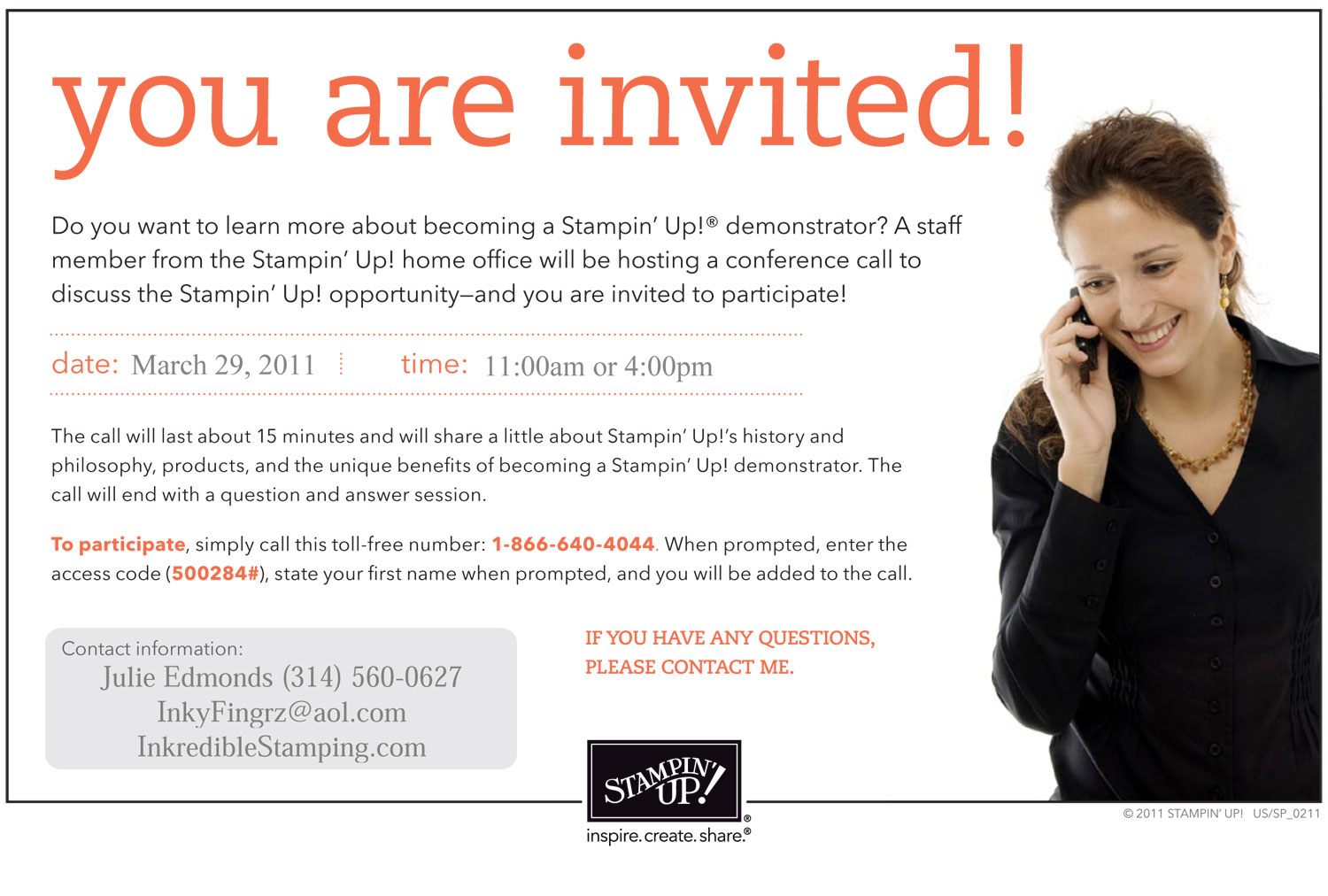
    "You may be thinking that you'd like to have my job. An easy way to learn more about Stampin' Up! is to call the toll-free number in the invitation below on Tuesday at 11:00 AM (MT) or 4:00 PM (MT). A member of Stampin' Up!'s staff will give a brief background of the company and talk a little bit about what it takes to be a demonstrator. It only takes about 15 minutes, and there is also an opportunity for you to ask questions at the end."

    US_SP_opp_flyer_0211 Click Picture to View Full Size

    While you're waiting for the call you can find out more about becoming a demonstartor on my website here. If you decide you would like to join Stampin' Up! I would LOVE to have you join my Create, Ink! demo family! E-mail me to find about more about my team.


  • Hi Stampers,

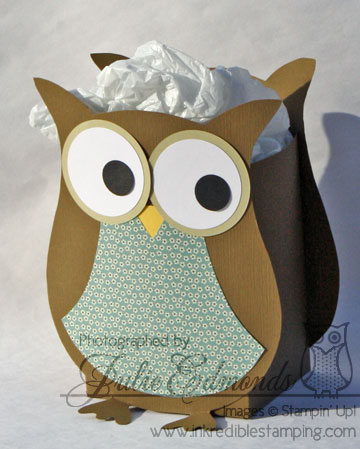
    Remember this owl bag that I posted back in December – I promised a tutorial for you all and the end of the year crazies took over! 🙂 but I have it ready to go now – I've been so ready for spring so I made up a new version of the Owl Bag for this tutorial – featuring the Springtime Vintage DSP.

    IMG_3130edit

    The tutorial for this bag will show you how to use My Digital Studio to create the template for the bag and will then take you through assembling the bag with step by step typed instructions.

    Purchase the My Digital Studio Owl Bag Tutorial
    $4.95

    If you would like to see all the tutorials I have avaliable for purchase click here to visit my tutorial page.

  • Hi Stampers,

    Are you ready for this week's ColorLab color Experiment?

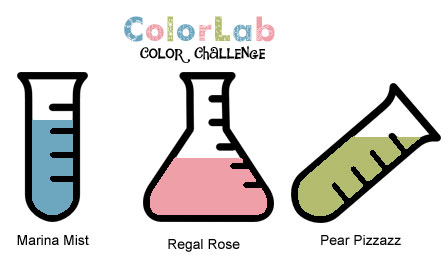
    ColorChallenge33

    The colors for this challenge are:

    Marina Mist, Regal Rose, and Pear Pizzazz

    Our Design Team Chemist have already conducted a few experiments to help inspire you. Check out their results and then get started on your own creations!

    Post your creation online and link directly to the project using Inlinkz.

    • Share your opinion of this color combo – visit the ColorLab, enter in the colors and you can search for the combo. Once you find the combo you can rate it!
    • We LOVE to use our Stampin’ Up! Products, but we welcome you to use any brand of product you wan to create your projects. If you're having trouble figuring out what colors will work for this challenge check out the ColorMatcher Lab – it will cross match colors between some of the most popular color lines out there!
    • Have fun being inspired and creating  
    Jen

    IMG_0437

      
    Jen T.

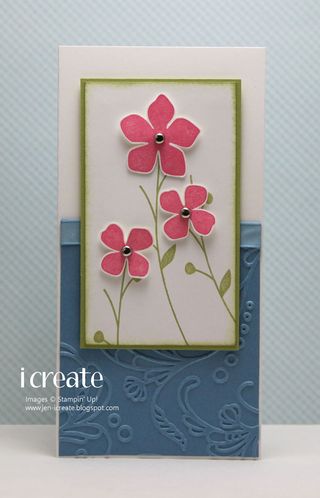
       CL33,SC324-GreenhouseFriend

    Juanita

      ColorLab33a

    Jennifer

      ColorLab33


    http://www.inlinkz.com/cs.php?id=40999

  • Hi Stampers,

    Are you ready for this week's ColorLab color Experiment?

    ColorChallenge32

    The colors for this challenge are:

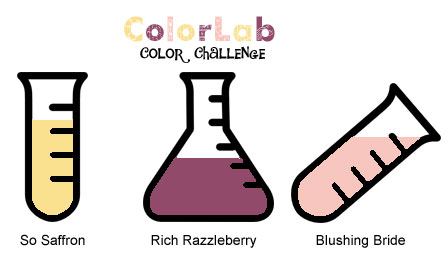
    So Saffron, Rich Razzleberry, and Blushing Bride

    Our Design Team Chemist have already conducted a few experiments to help inspire you. Check out their results and then get started on your own creations!

    Post your creation online and link directly to the project using Inlinkz.

    • Share your opinion of this color combo – visit the ColorLab, enter in the colors and you can search for the combo. Once you find the combo you can rate it!
    • We LOVE to use our Stampin’ Up! Products, but we welcome you to use any brand of product you wan to create your projects. If you're having trouble figuring out what colors will work for this challenge check out the ColorMatcher Lab – it will cross match colors between some of the most popular color lines out there!
    • Have fun being inspired and creating  
    Jen

    IMG_0336

      
    Jen T.

      CL32-SpringFlowersforYou

    Juanita

    2011_March-002

    Jennifer

    ColorLab32


    (Collection closed)
    Link tool by inlinkz.com
  • Stampin' Up! just shared a bunch of new Mobile Wallpapers on Facebook today – If you want to dress up your phones in SU style check it out!!

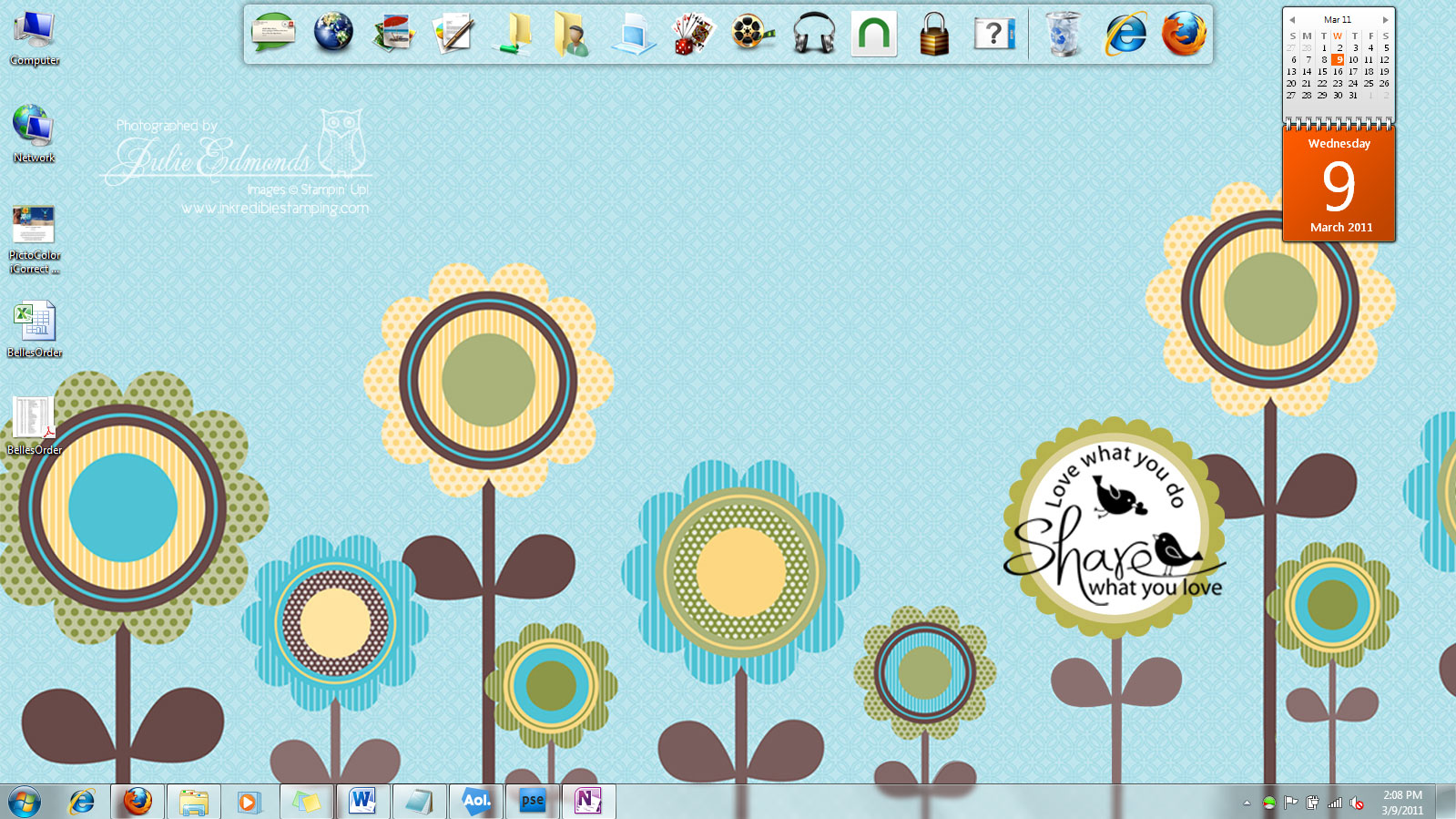
    When I saw this posted it reminded me that a lot of people have asked how I made my Computer Wallpaper for my Desktop so pretty – so I though I would share!

    Here's a peek at my computer's desktop (Click the picture to make it bigger – it's still not full size but easier to see)

    DesktopImage

    It makes me happy every day to open up my computer and start working when I'm greeted by my cheerful SU Wallpaper. Here's how I created it:

    • Open My Digital Studio and start a new 12 x 12 page
    • Pick out a DSP for your background paper
    • Add any Digi Stamps, Embelishemnts, etc that you want.
    • Select Share and choose the JPG option – save it to your computer.
    • My computer is a wide screen so I added the next step – you may not need to do this depending on the size of your screen. I created a second page on my project and placed just the DSP background paper on it – I also shared this to JPG.
    • Open your JPG image in a photo editing program – I used Photoshop.
    • Create a New photoshop image – size it to the appropiate size for your computer screen.
    • Copy your image over to the New photoshop document and play with it until it fits how you want. This is where my second blank DSP file came into play – I used it to extend the width of my image.
    • Save it and place it in your wallpapers folder.

    Have fun giving your computers SU flair! There are a bunch of different Digi DSP choices avaliable for you to choose from – See them all here.

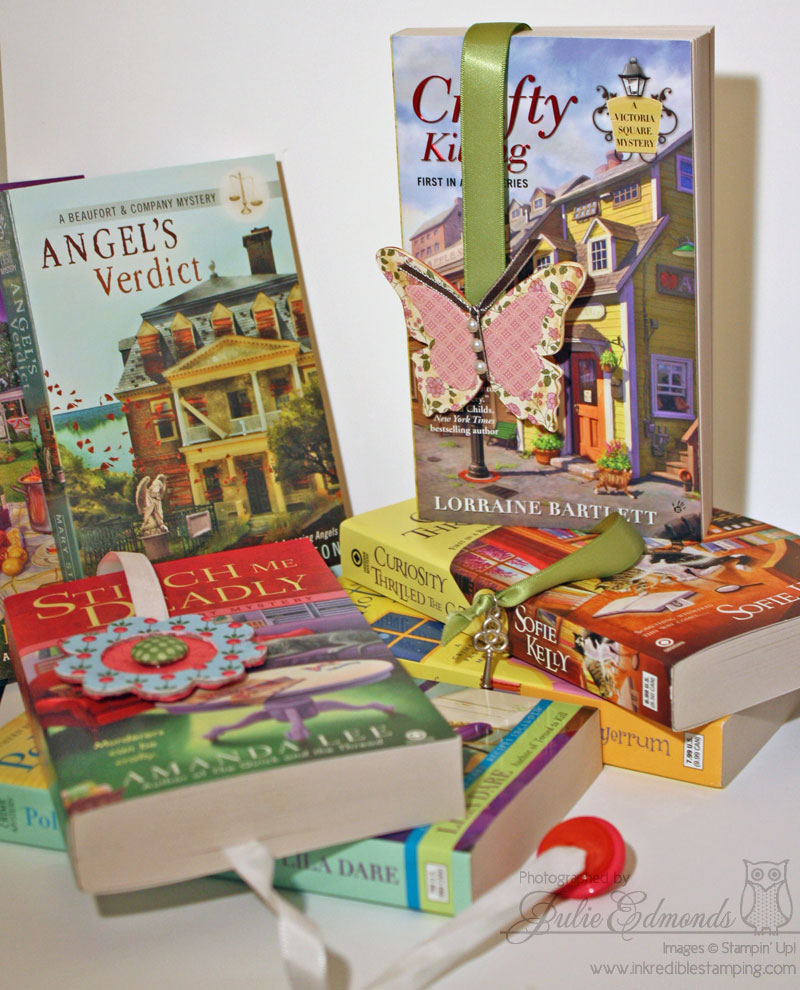
  • A couple of weeks ago Kris over at one of my favorite book blogs: Not Enough Books was hosting a blog candy give away for a bunch of Cozy Mystery Books… and if there is anything on this earth that I love better than Free Stamps it's Free Books so of course I had to enter and I WON!! I was so excited – those of you who know me well know I'm never win things!! All the luck in my family belongs to my brother!

    The books came in the mail the other day and I'm excited to start reading them! About a year ago I started reading mostly ebooks on my Nook (which I am in LOVE with) but the one downside to my Nook is not getting to use bookmarks anymore – Bookmarks are one of my favorite things to create – I've been known to make a bookmark and slide it into my Nook's' case just for fun!! So I was super excited to have actual books to make a bookmark for again 🙂

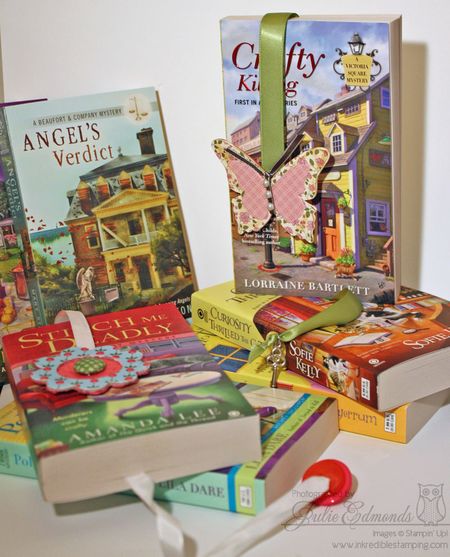
    I made up a couple of different bookmarks to get me started…
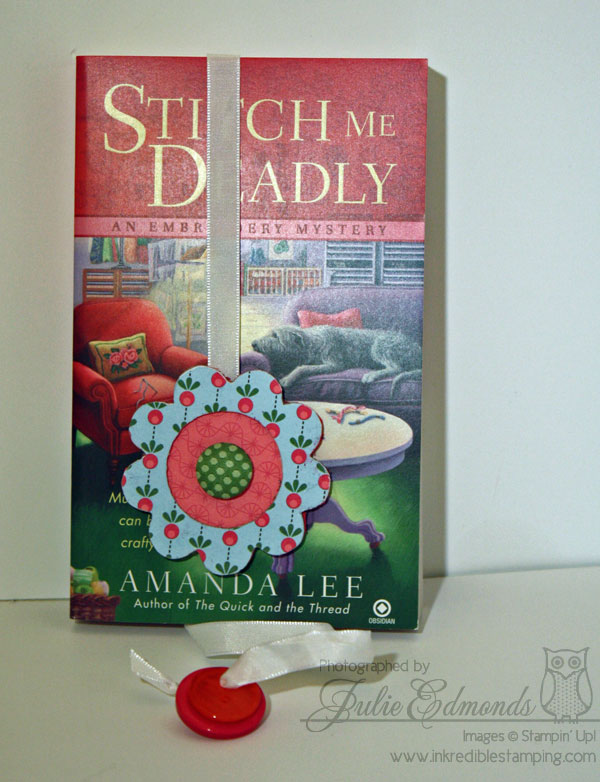
    IMG_3103

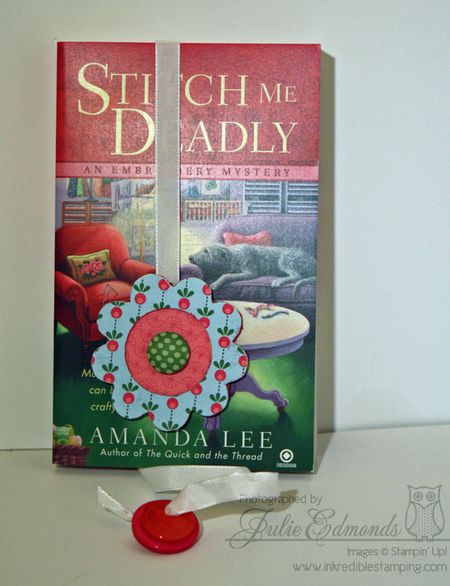
    The first bookmark I created just for the Stittch Me Deadly book – I used the Sew Sweet Designer Series paper, Brads, and cordinating Buttons to create this ribbon bookmark.
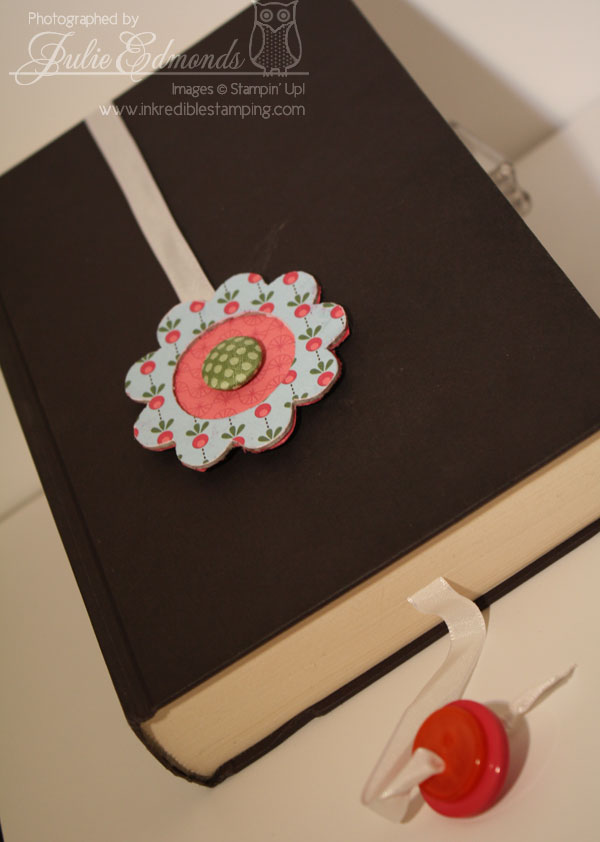
    IMG_3106

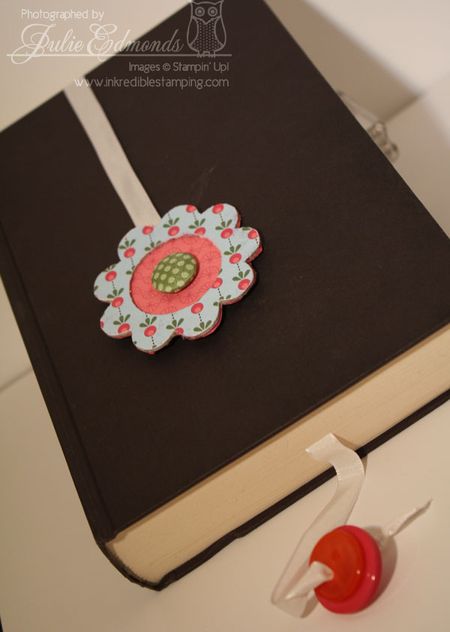
    It goes so well with the book!! 🙂 Here's a look at the bookmark in one of my other books that's black – it's a little easier to see the bookmark in the picture with this book as the background 🙂
    IMG_3128

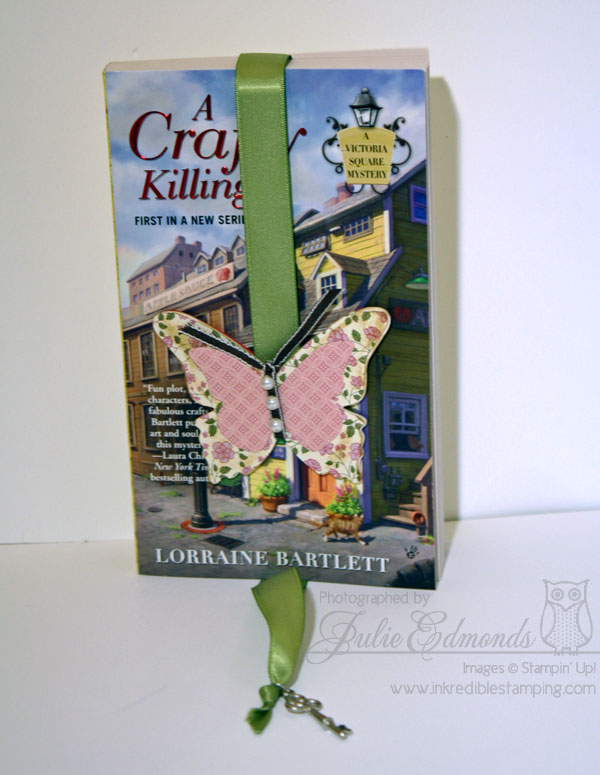
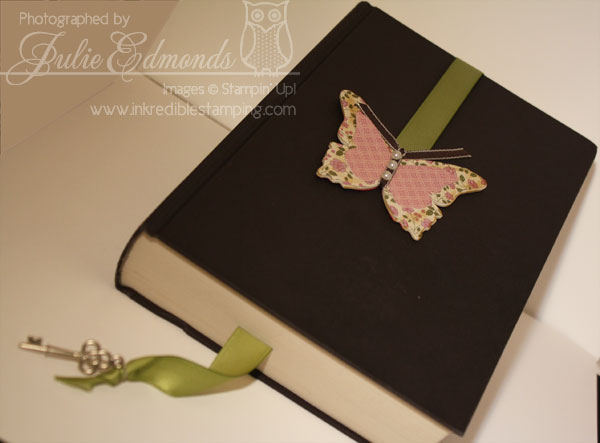
    The other bookmark I made features the Springtime Vintage DSP and one of the Key Trinket Charms.
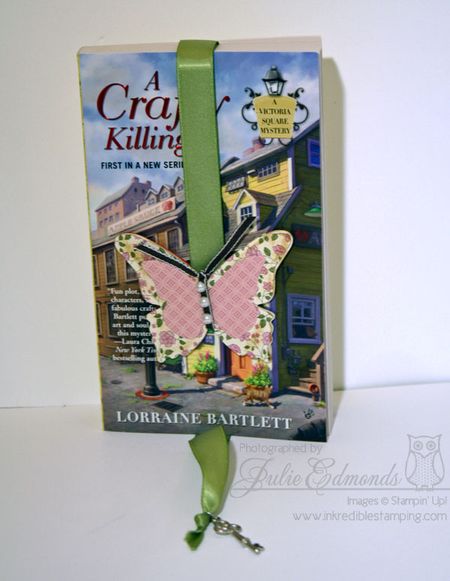
    IMG_3111

    and a look at this bookmark on the other book…
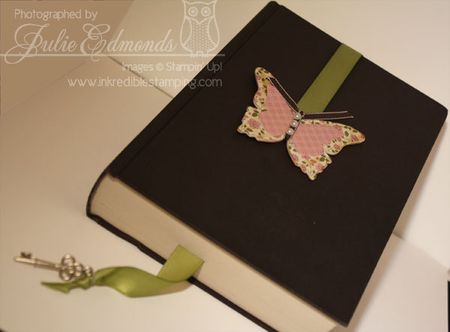
    IMG_3116

    It's super quick and easy to create Ribbon Bookmarks for your books.

    • Start by cutting a length of ribbon.
    • Tie a knot in one end of the ribbon then slide something like buttons, a trinket, or another embelishment onto the ribbon. This adds some weight to the bottom and helps keep the bookmark in the book.
    • Next Choose a Chipboard die cut (Or make your own with the Big Shot like I did on the Butterfly)
    • Decorate the front of the chipboard.
    • Sandwich the end of the ribbon between the chipboard and a die cut piece of card stock, use a strong glue like sticky strips or Crystal Effects to make sure it'll hold up to use.

    That's it you're finished – slide it into your book and enjoy reading in style!

    You can order all the products used to create these bookmarks online at my Stampin' Up! Store – just click on my name below…